Download ASUS AiCloud free on android
APK file AiCloud 2.1.0.1.16How to install APK / APKS / OBB file on Android
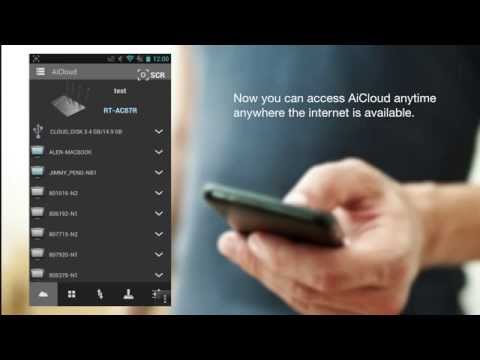

****Some features need to work with compatible firmware versions, please make sure that your router's firmware is always to date.
ASUS AiCloud is a revolutionary app that combines all the power of public and private cloud platforms together with home networking into a single space. Enjoy diverse cloud services at home or in your office, with cloud storage expansion available on demand without additional charge!
Key Features:
*Cloud Disk - Your always-on data and media library
Connect USB storage to your compatible ASUS router to access content and files and stream media straight to your AiCloud app on mobile devices or from a unique web link via your browser
*Smart Access - All your devices in tune
Whether you’re using Windows, Mac OS, or even Linux PCs(Samba server), ASUS AiCloud lets you access, stream, and share content from your home network or online storage through a personalized web link. Smart Access can also wake up a sleeping PC.
*Smart Sync - Always up to date
Keeps all media, data, and other content you want to share from online storage services like web storage, your home network, and even other AiCloud-enabled networks up to date in real time to easily share and access the same file version wherever you are.
- LicenseFree
- File nameAiCloud
- File Version2.1.0.1.16
- Package namecom.asustek.aicloud
- Size48.28 MB
- UploadedFebruary 15, 2025
- Android7.0 or later
- CategoryProductivity
- DeveloperASUSTeK Computer inc.
- Developer site
- Developer emailWilson_Deng@asus.com
- md5 hash5192f381e929ac050b80a6289b1d2b8a
- Architecturearm64-v8a armeabi
- Permissionsshow (14)